Story thread · 2 reports / 2 sources
You can finally get all those blobby shapes off your iPhone. Here's how.
theblaze.com · 10h · first report
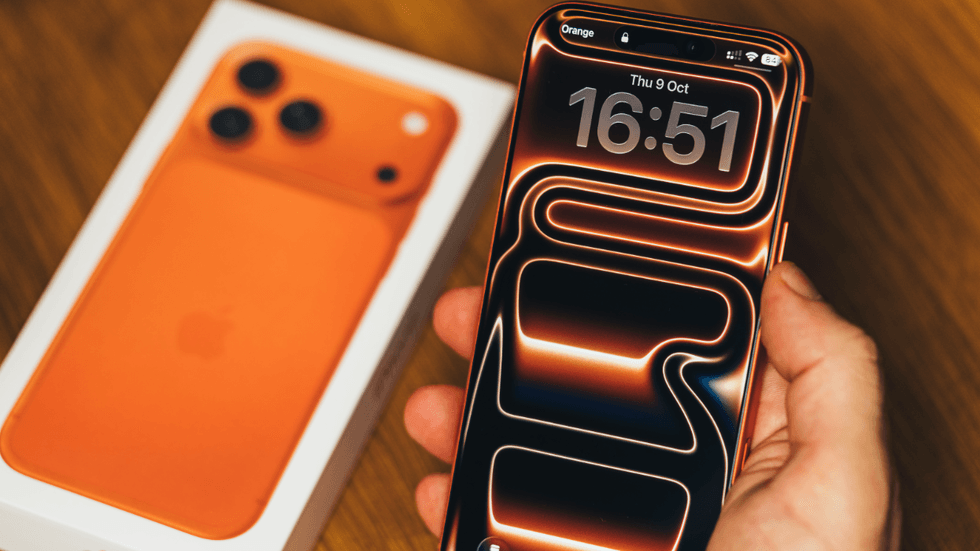
Liquid Glass is one of Apple’s more contentious design choices in recent memory. Some love its transparent surfaces and light refractions, while others hate its readability. Over the last year, Apple slowly rolled out ways to tone down the glassy look, and thanks to iOS 27, now you can almost get rid of it entirely. I wasn’t a fan of Liquid Glass when it showed up in Apple’s operating systems last year. The glassy panels made text hard to read, and the light refractions around app icons and buttons cheapened the refined look of Apple’s mobile platform. Even a year later, I still don’t love it. Instead of forcing a binary choice between clear and tinted surfaces, there is now a whole spectrum of options. I wasn’t alone either. There was plenty of blowback online to the point that Apple caved and added a “tinted” surface option alongside the default “clear” aesthetic in iOS 26.1 that turned down the glassy appearance of its new design language. I enabled that the moment it was available
The conversation · 0
Sign in to join the conversation.
No comments yet — start the thread.