Story thread · 2 reports / 2 sources
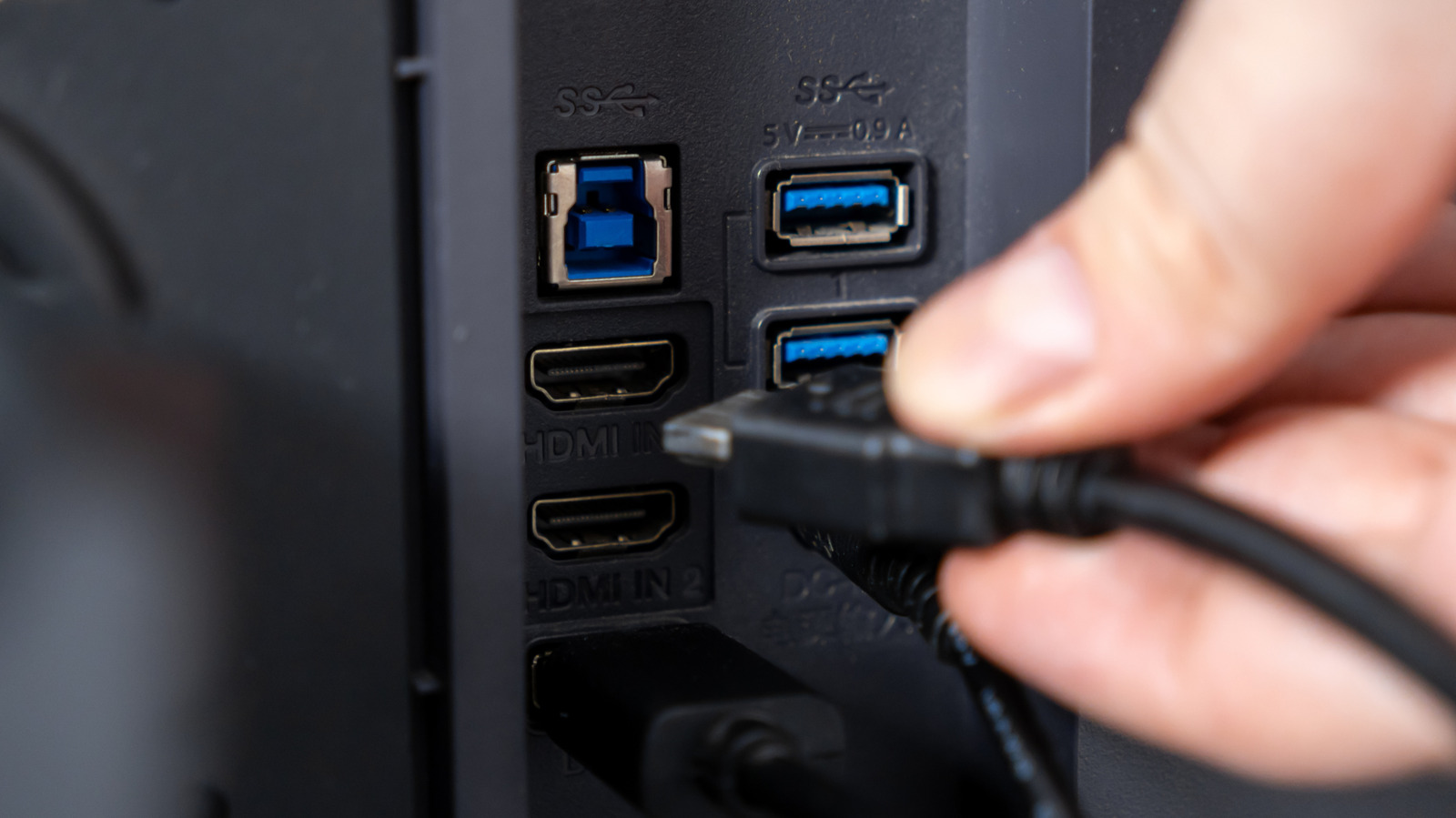
Here's why some monitors have two USB ports (and the best ways to use them)
engadget.com · 3h
How the coverage leans
Across 2 sources · syndicated copies counted once
These ports are often part of a built-in USB hub, letting you keep desk accessories connected to the monitor instead of occupying ports on your computer.
First report: This Wavlink USB-C dock can charge your Windows laptop or MacBook, connect six 10Gbps USB devices, and drive three monitors for just $120 — techradar.com, 1d
The conversation · 0
Sign in to join the conversation.
No comments yet — start the thread.